⭐️ How to Install Ragnarok Endless Trails via TestFlight (iOS) for CBT
─── ⋆⋅☆⋅⋆ ───
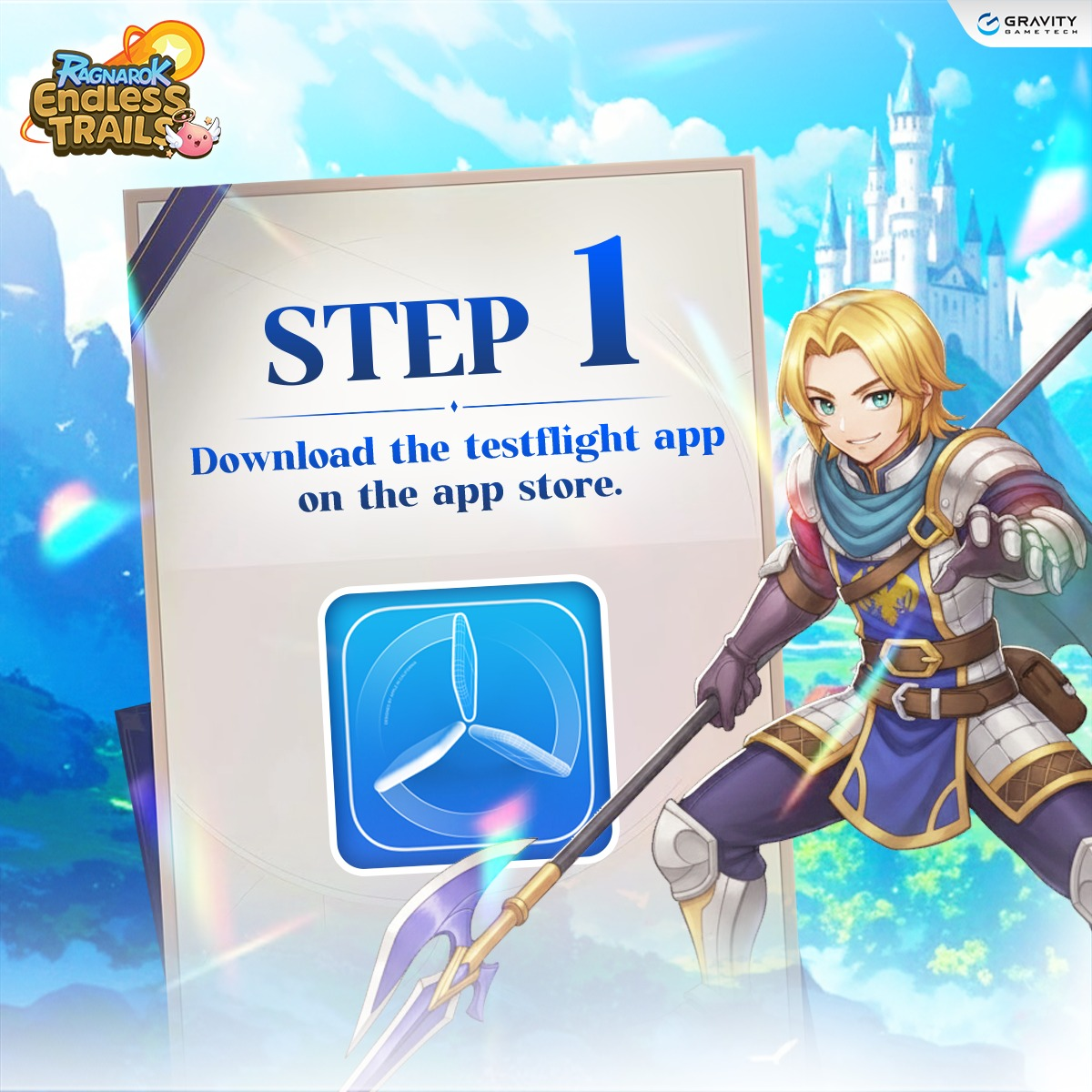
⭐️1. Download the TestFlight app from the App Store.
https://apps.apple.com/us/app/testflight/id899247664
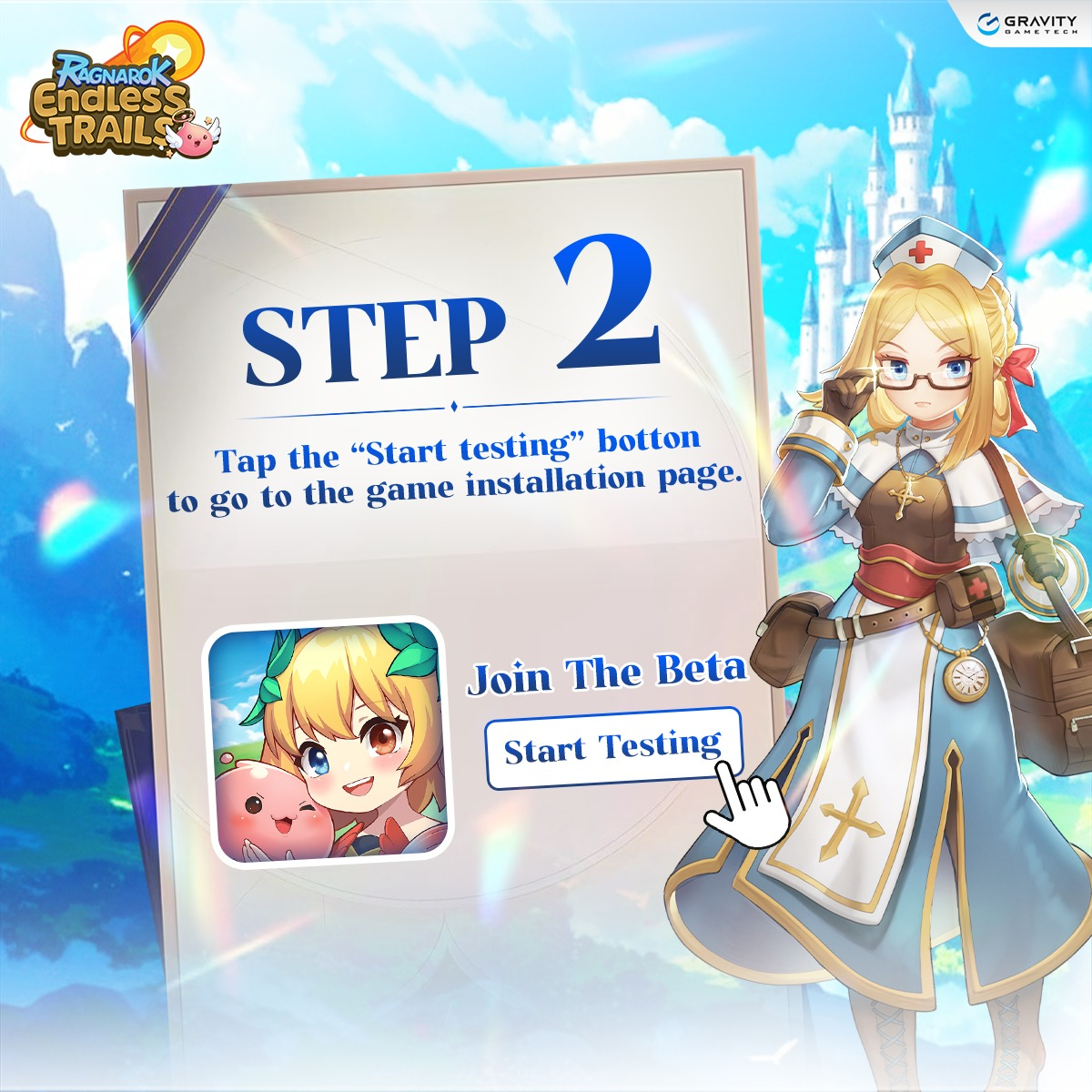
⭐️2. Tap the link to join the test
https://testflight.apple.com/join/pjSWDX2y
Then select “Start Testing” to proceed to the game download page.
⭐️3. Tap “Accept” to join the CBT test.

⭐️ 4. Tap “Install” to install Ragnarok Endless Trails.
After the installation is complete, you can launch the game and start participating in the Ragnarok Endless Trails test immediately.

──────────୨ৎ──────────
Was this article helpful?
That’s Great!
Thank you for your feedback
Sorry! We couldn't be helpful
Thank you for your feedback
Feedback sent
We appreciate your effort and will try to fix the article